• 0Shopping Cart
MSolutions
  • All Inclusive Tester
    • About MS-TestPro
    • Purchase Now
    • Access Online Simulator
    • Expansion Modules
    • MS-Test Pro Warranty Registration
  • Product Lines
    • Test Equipment
      • MS-TestPro MS-104B
      • MS-TestPro MS-106B
    • Extenders
    • HDBaseT™ / LAN Gateway
    • KVM over IP Solutions
    • Cables
    • USB Switching
    • Video Splitters
    • Video Switchers
    • Audio Solutions
    • Cameras & Microphones
    • Monitoring & Control
    • Multi-Viewers
    • MS-41Q
    • Connection Boxes
    • Accessories
  • About Us
    • Assembly House
    • Awards & Testimonials
    • Where to Buy
  • Resources
    • News
      • News 2026
      • News 2025
      • News 2024
      • News 2023
      • News 2022
      • News 2021
      • News 2020
      • News 2019
    • Support
      • Log Analysis/General Support Request
      • Update Tester Firmware
      • MS-Test Pro Warranty Registration
      • Register MS-Tool
    • Blog
  • Contact Us
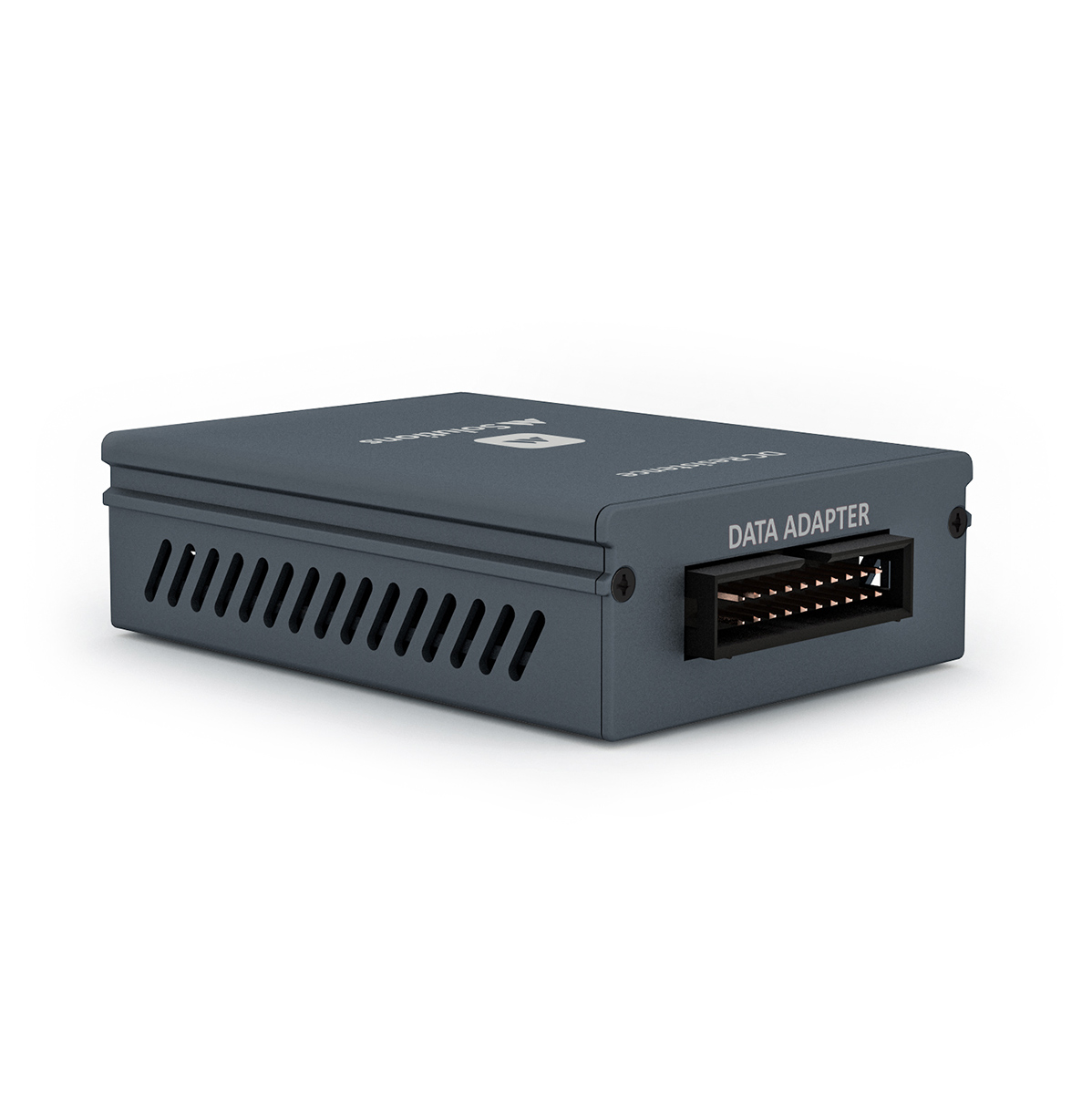
DC Resistance module for MS-TestPro, rear view
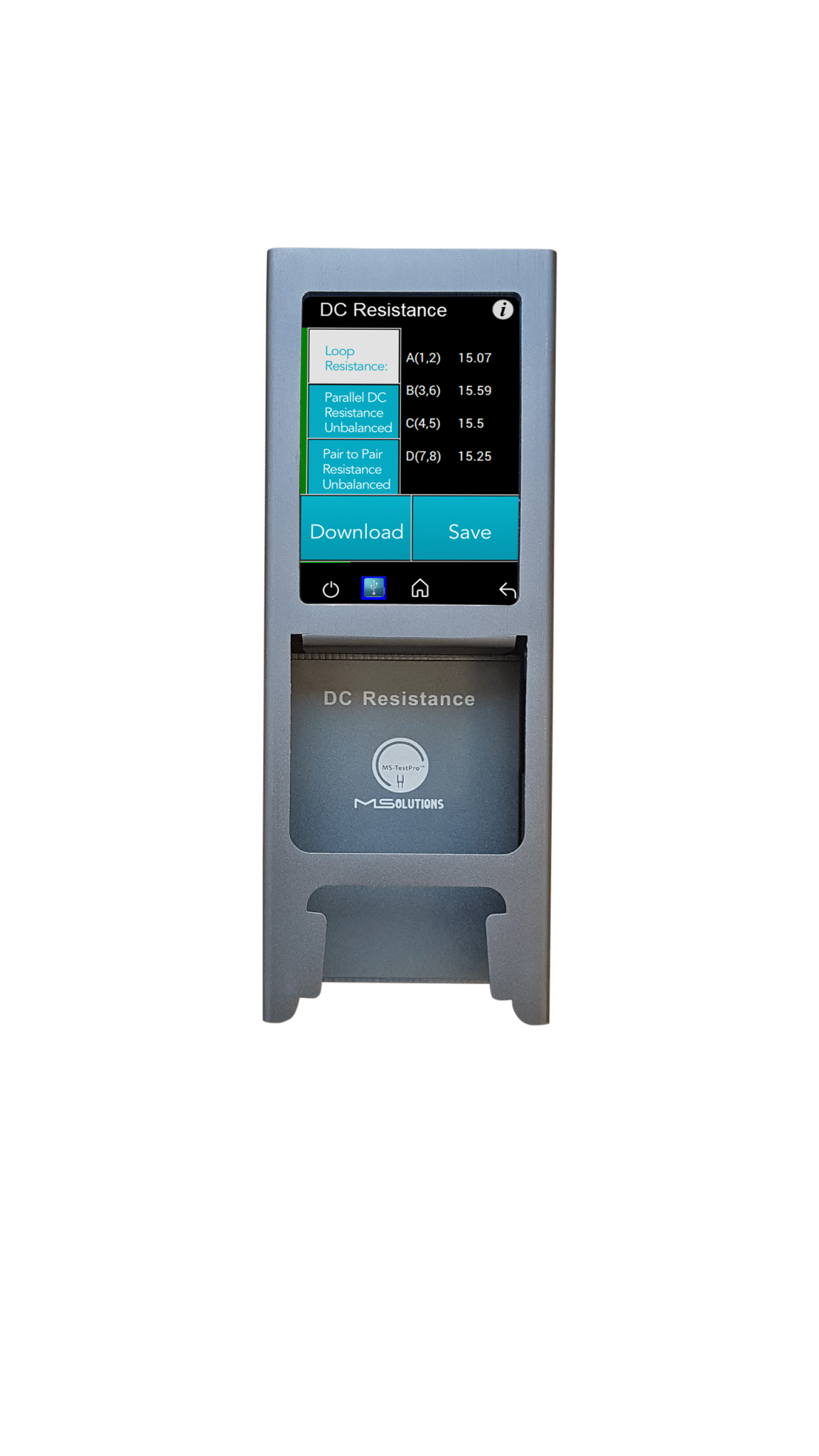
MS-TestPro with DCR module attached, DC resistance results on screen
DC Resistance (DCR) module for MS-TestPro
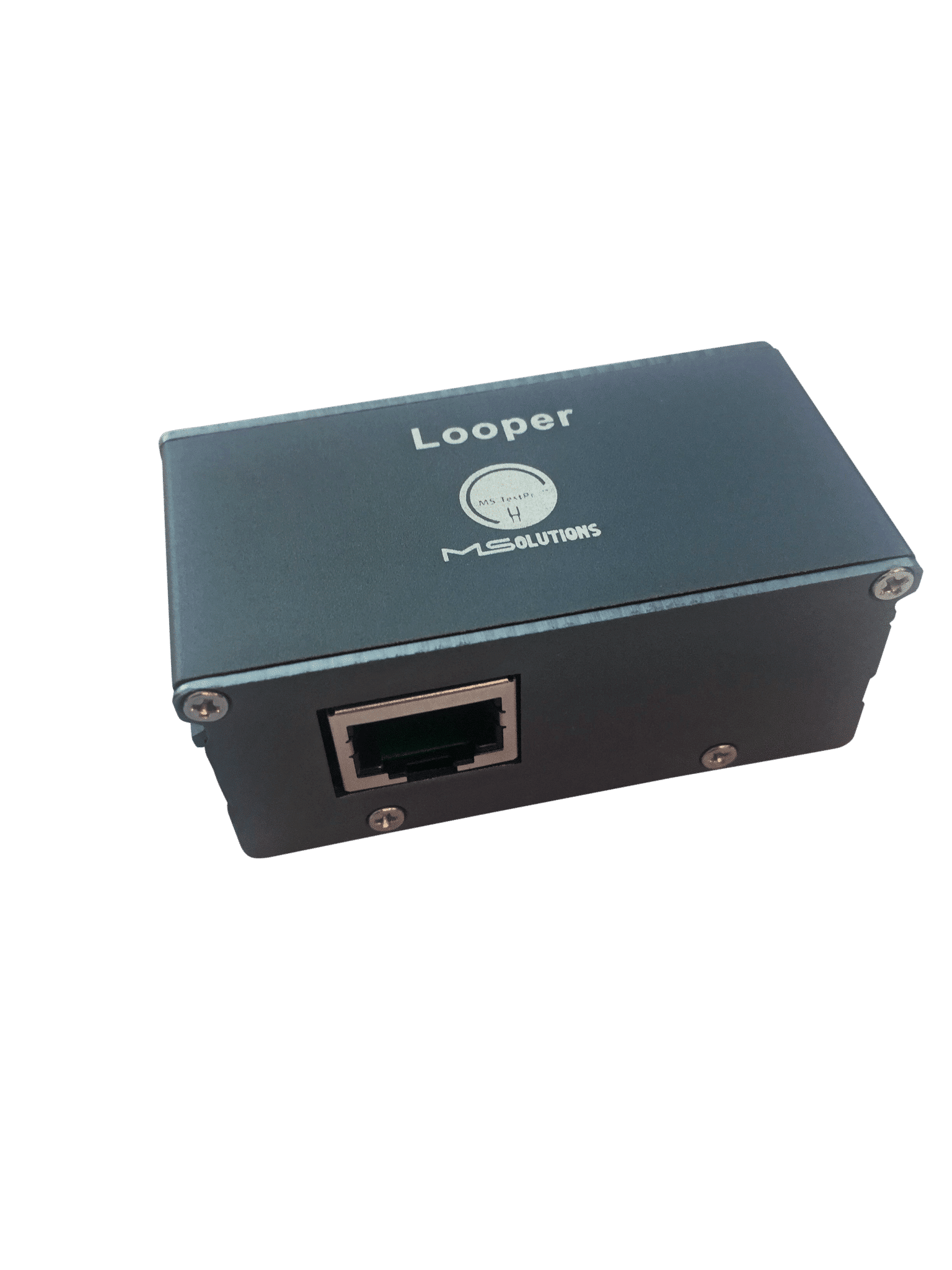
Looper module for MS-TestPro DC resistance testing

DC Resistance Modules – Test your Cable Quality

Price: $445.00

Using the MS-TestPro DC Resistance and Looper modules, you can test the DC resistance of CATx cables, and check their ability to provide a sufficient level of PoH (Power over HDBaseT) powering.
The DC Resistance module is inserted into the lower slot in the MS-TestPro main unit, while the CATx cable is connected to the DC Resistance module at one end, and to the Looper module at the other end, as depicted in the figure below:

Category: Solve all your HDBaseT signal problems before they affect your customers
  • Description
  • Additional information
  • Reviews (0)

Description

To test the DC Resistance of a CATx cable:

Easily done via the MS-TestPro From the Tools page, in the DCR DC Resistance button.

The DC Resistance can test:

  •  Loop Resistance
  •  Parallel DC Resistance Unbalanced
  •  Pair to Pair Resistance Unbalanced

Loop Resistance – represents the DC loop resistance in Ohm (Ω) of a cable, and is calculated as the sum of the DC resistance of the two conductors in a pair.

Resistance of under 20 ohms indicates that the pair should be capable of delivering the minimum of 80% of the power to the remote side.

MS-TestPro DC resistance screen: loop resistance results passing on all four pairs

Loop Resistance Results


Parallel DC Resistance Unbalanced displays the parallel resistance of the CATx two conductors in each cable pair. For each pair, the difference is expressed in ohms (Ω), as shown in the figure below

MS-TestPro DC resistance screen with loop resistance readings for four pairs

Parallel DC Resistance Unbalanced Results


Pair-to-Pair Resistance Unbalanced displays the difference in DC resistance between the four pairs in the cable. For each pair, the difference is expressed in ohms (Ω), as shown in the figure below.
A difference of under 0.2 ohms or 5% (the higher between the two) indicates that the pair should be capable of delivering the required common-mode current needed to effectively support PoH (PoE) and data transmission over the pair.

MS-TestPro DC resistance screens comparing a passing and a failing cable

Pair-to-Pair Resistance Unbalanced Results

You can export your results in CSV format report, and also Save them locally.

Additional information

Product Type

Tester-Touch, Tester- WiFi & HDMI Pattern Generator, Hardened Case

Reviews

There are no reviews yet.

Be the first to review “DC Resistance Modules – Test your Cable Quality” Cancel reply

Your email address will not be published. Required fields are marked *

©2019 MSolutions Ltd.
  • HDBaseT Tester & Other Solutions
  • Terms and conditions
  • Privacy Policy
  • Money Back Guarantee
  • MSolutions on LinkedIn
  • MSolutions on Facebook
  • MSolutions on X (Twitter)
  • MSolutions on YouTube
MS-0401 HDBaseT Switch MSolutions unit with four HDBaseT Out/In ports MS-TestPro Spec 2.0 receiver module, rear view Spec 2.0 Modules – Tx and Rx units, SPEC 2.0 based

    Please leave your contact information so that we can send you instructions for downloading the manual. If you already have a password, enter it below.

      Please leave your contact information so that we can send you instructions for downloading the manual. If you already have a password, enter it below.

        Please leave your contact information so that we can send you instructions for downloading the manual. If you already have a password, enter it below with your name and email.

          Please leave your contact information and we will send you the user manual shortly. Don't worry, we won't use your details for spam.

          Scroll to top